Use cases
These are the jobs Objectify is built for: game props, previs, product reviews, print-ready meshes, headset scenes, classroom models, and one-off furniture. The pipeline is the same each time. What changes is the face budget and the file you export. Pro covers commercial export. Rigging and engine pipelines sit on Studio.
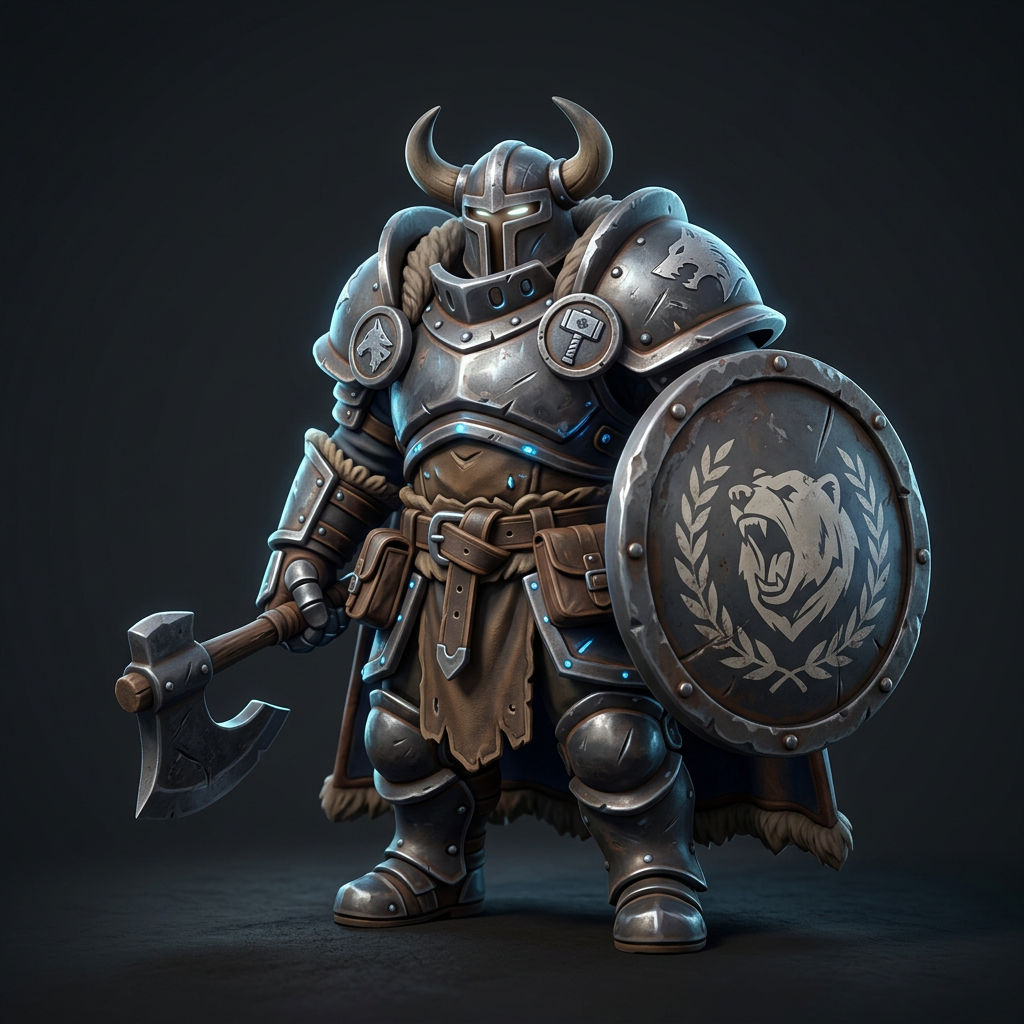
Games
studio
Fill a level before lunch.
- Block out props and characters in minutes, then keep the ones that fit the art direction.
- Remesh to a per-asset face budget for console and mobile targets.
- Export FBX with rigs straight into Unity, Unreal, or Godot.
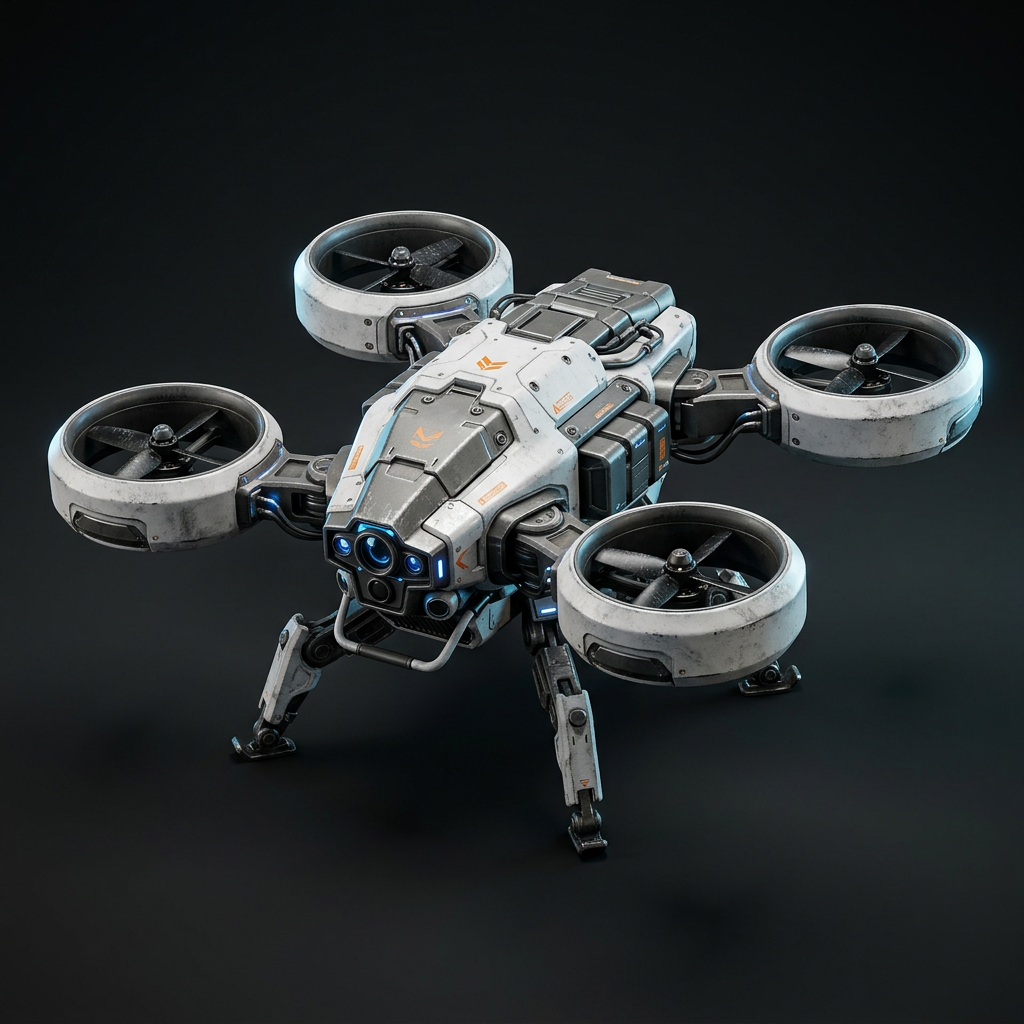
Film & Previs
pro
Previs without the waiting.
- Stand in hero props and set dressing while the final assets are still in production.
- Iterate on a design with the director in the room, not over a week of revisions.
- Hand off USD-ready files to layout and lighting.
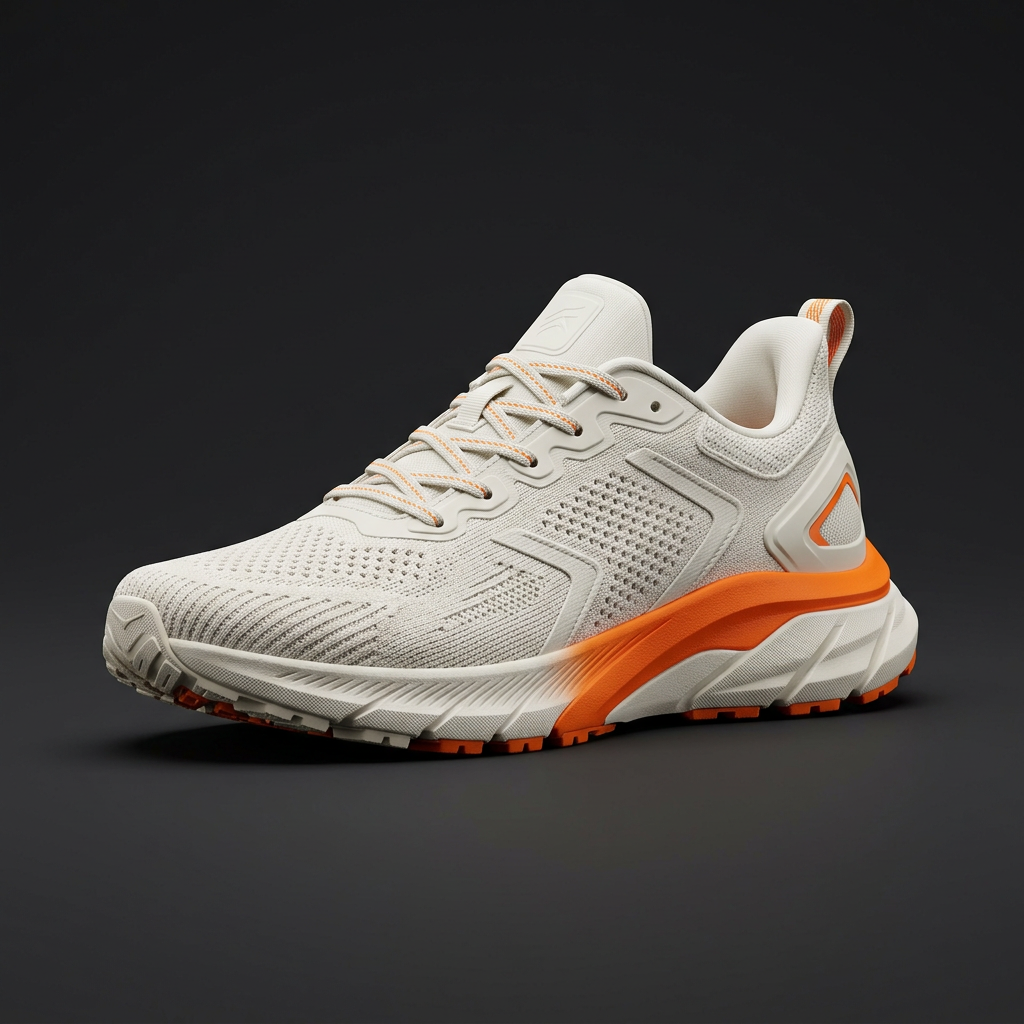
Product Design
pro
From sketch to spinnable model.
- Turn a concept sketch into a 3D form you can review from every angle.
- Explore colorways by retexturing a single mesh.
- Share USDZ files that open in AR on a phone.
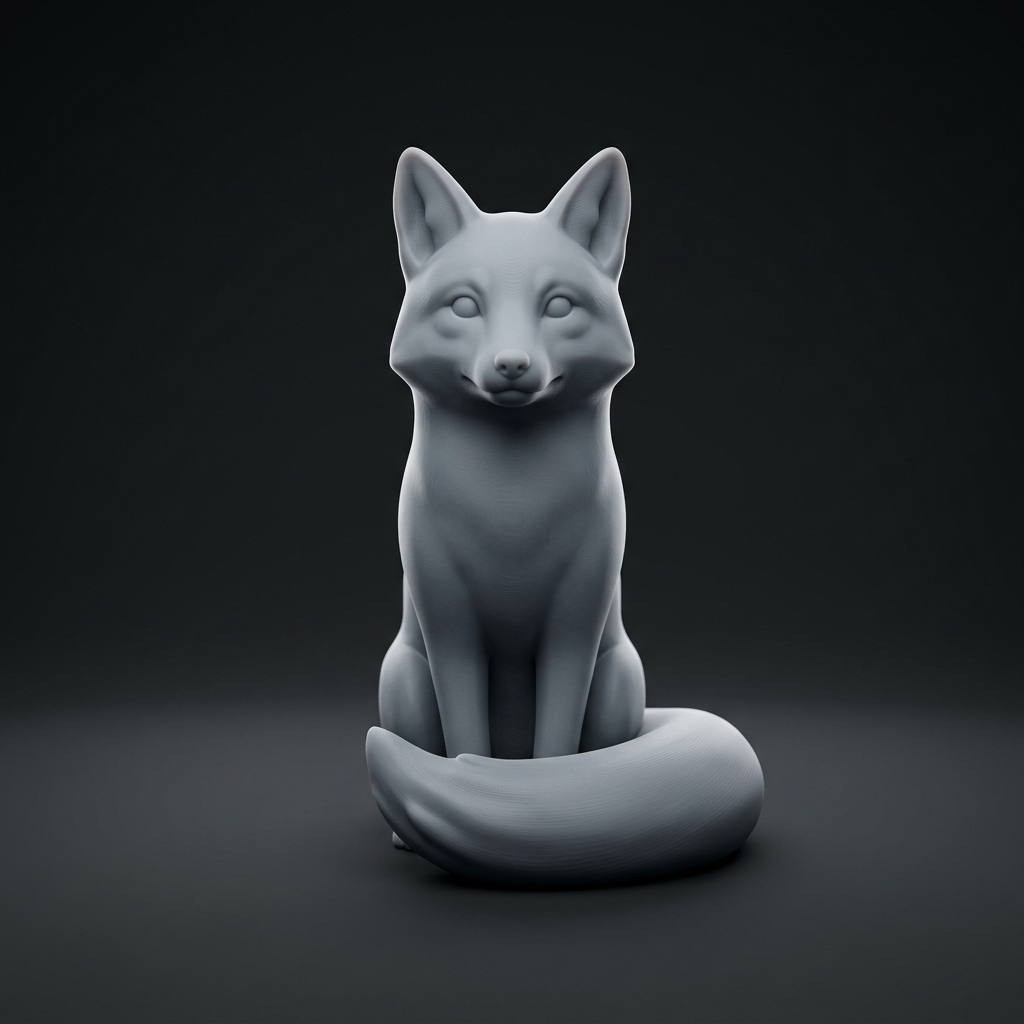
3D Printing
pro
Watertight, the first time.
- Inspect generated meshes for open boundaries, intersections, and thin walls before slicing.
- Export STL or 3MF for FDM and resin printers.
- Scale and hollow before download to save material.

XR
pro
Light enough for a headset.
- Target low face counts for standalone VR and mobile AR.
- Bake textures into a single atlas to keep draw calls down.
- Export GLB and USDZ for WebXR and Apple platforms.
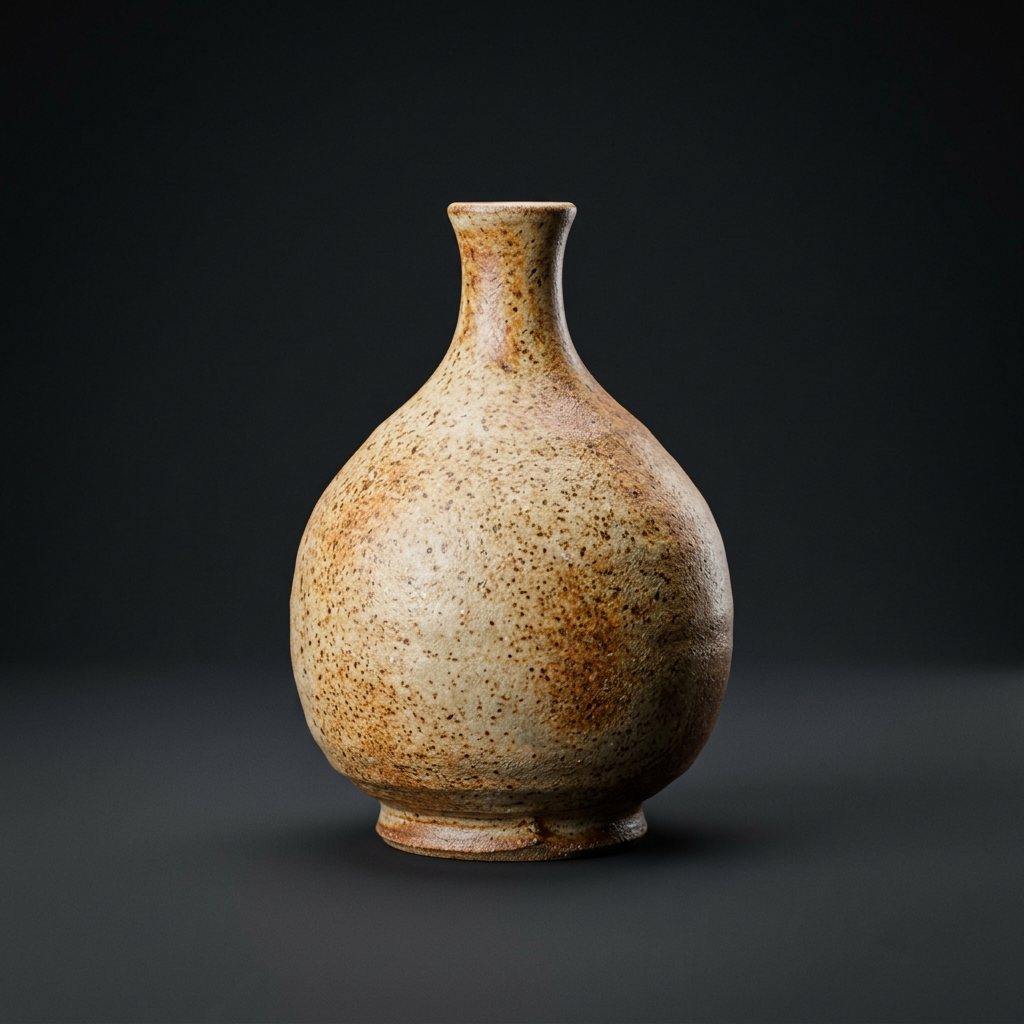
Education
pro
Objects you can hand around a class.
- Build lesson-ready artifacts, specimens, and models on demand.
- Give students a way to prototype ideas without learning a full DCC first.
- Print or view in the browser with no install.
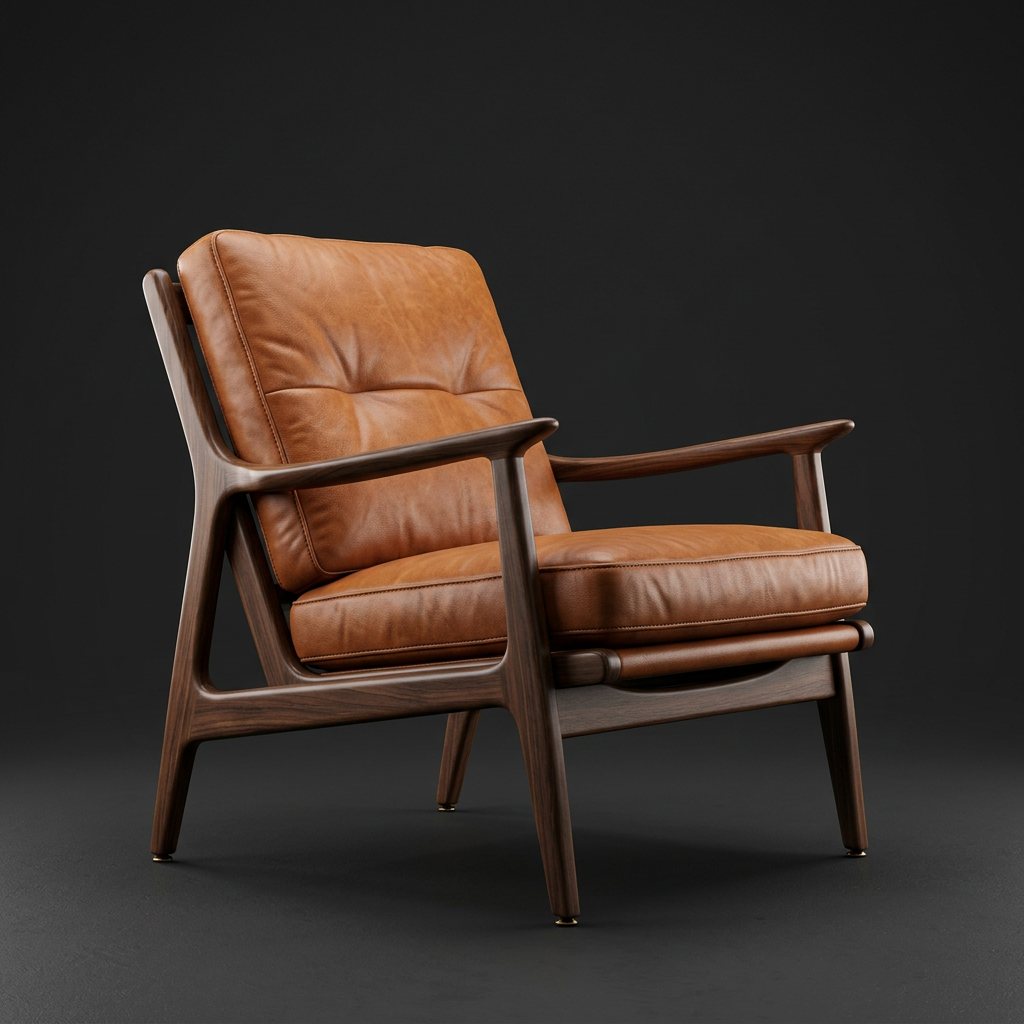
Interiors
pro
Furnish the render, not the catalog.
- Generate one-off furniture that matches a mood board.
- Retexture fabrics and woods to test a palette.
- Drop assets into archviz scenes at real-world scale.